
From Zero to Production: Launching Your First AI Voice Campaign in 24 Hours
A practical, hour-by-hour playbook to go from complete beginner to running live AI voice campaigns. No coding or technical experience required.
By Sarah Chen, Product Manager
February 3, 2026
15 min read
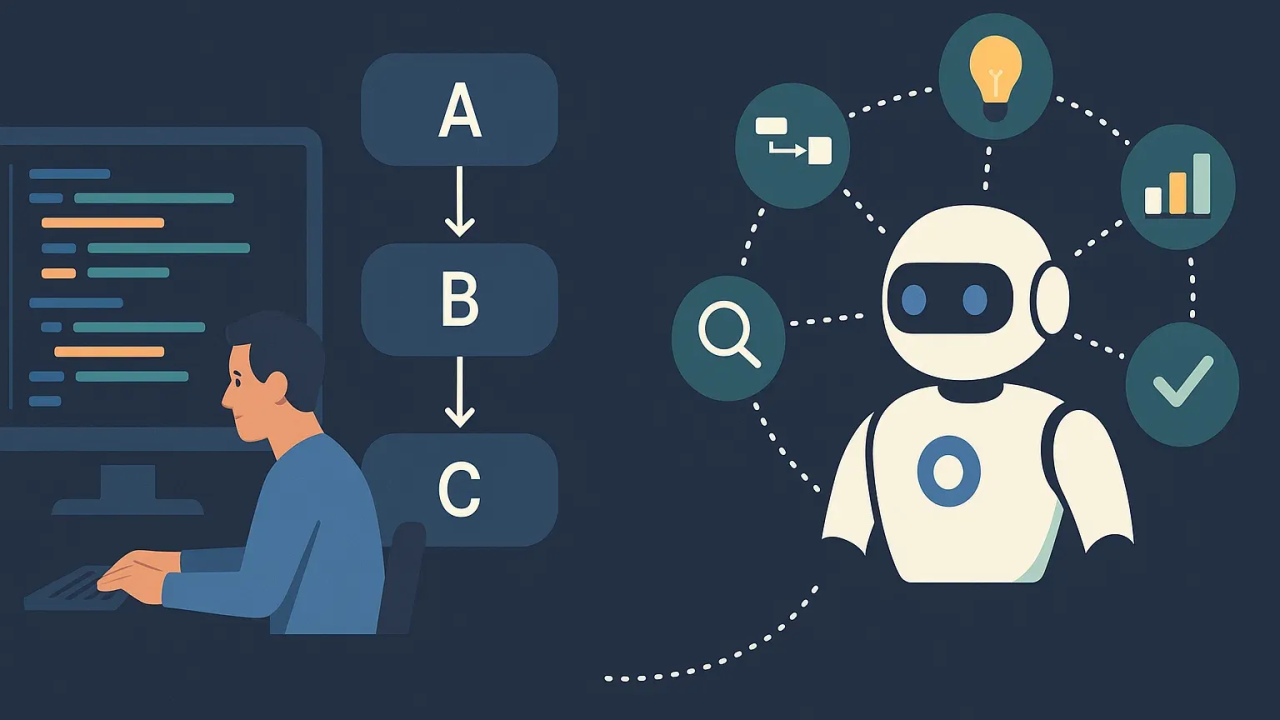
Launch your first AI calling campaign in just 24 hours
Most people think launching AI voice campaigns requires weeks of planning, technical expertise, and a big budget. The reality? You can go from idea to live campaign in a single day—even if you’ve never worked with AI before.
I’ve helped over 500 businesses launch their first AI voice campaigns at VoxPria. The ones who succeed follow a specific playbook, breaking the 24-hour window into focused sprints. This guide shows you exactly what to do, hour by hour.
What you’ll achieve in 24 hours: A live AI voice agent making real calls, handling customer interactions, and collecting data—ready to scale from 10 calls to 10,000.
The 24-Hour Launch Blueprint
Planning & Strategy
Define your use case and map the conversation flow
Hour 1: Choose Your Use Case
Don’t try to boil the ocean. Pick ONE specific task for your first campaign. The best first campaigns are:
🎯 Decision Matrix: Pick Your Campaign
| Use Case | Complexity | Impact | Best For |
|---|---|---|---|
| Appointment Reminders | LOW | HIGH | Beginners |
| Customer Surveys | LOW | MED | Beginners |
| Lead Qualification | MED | HIGH | Intermediate |
| Inbound Support | HIGH | HIGH | Advanced |
Hours 2-4: Map Your Conversation Flow
Grab a piece of paper (or Figma if you’re fancy) and draw your conversation flow. Here’s a proven template:
💡 Pro Tip: Don’t write a script yet—just map the decision tree. Actual wording comes later. Focus on: What questions will I ask? What answers might I get? What happens next?
Build & Test Your Agent
Configure VoxPria, test thoroughly, refine the script
Hour 5-6: VoxPria Setup (30 minutes)
- Create account at app.voxpria.com (2 minutes)
- Choose your voice: Listen to samples, pick one that matches your brand (5 minutes)
- Name your agent: Something simple like "Appointment Reminder Bot" (1 minute)
- Write your script: Copy your conversation flow into the visual builder (20 minutes)
Sample Script Template (Copy & Customize)
Hi , this is  calling from .

I'm reaching out to confirm your  appointment
scheduled for  at .

Can you still make it?

[WAIT FOR RESPONSE]

IF YES:
"Perfect! We're looking forward to seeing you. You'll receive a
text reminder 24 hours before. Thanks!"

IF NO:
"No problem! Would you like to reschedule or cancel?"

[IF RESCHEDULE]:
"What day works better for you?"
[CHECK CALENDAR]
"Great, I have  at  available.
Does that work?"

[IF CANCEL]:
"Understood. I've canceled your appointment. Feel free to
call us anytime to reschedule."

CLOSING:
"Thanks , have a great day!"
Hours 7-10: Testing Marathon
This is the most important phase. Call your agent 20+ times. Seriously. Try everything:
⚠️ Common Beginner Mistake: Testing only the "happy path" (everything goes perfectly). Real customers are messy—they interrupt, give vague answers, have bad phone connections. Test the chaos!
Start Your 24-Hour Sprint Today
Everything you need to launch is ready. The question is: will you start today?

