
Training your AI agent is crucial for optimal performance. Moreover, better training leads to more natural conversations and higher success rates. In this guide, we’ll show you how to train your agent effectively using VoxPria’s powerful training tools.
Why Training Matters #
Out-of-the-box agents work for simple scenarios. However, training helps agents understand your specific business context. Therefore, trained agents provide better customer experiences.
Benefits of Training: #
- Better Understanding – Recognizes industry-specific terminology
- Accurate Responses – Provides correct answers to customer questions
- Natural Conversations – Handles variations in how people ask questions
- Fewer Transfers – Resolves more issues without human help
- Higher Satisfaction – Customers get better support
Accessing Agent Training #
First, navigate to your agent’s training section. Additionally, you can train agents at any time:
- Go to BUILD → Agents
- Select the agent you want to train
- Click the “Training” tab
- You’ll see four training methods available
Training Method 1: Knowledge Base #
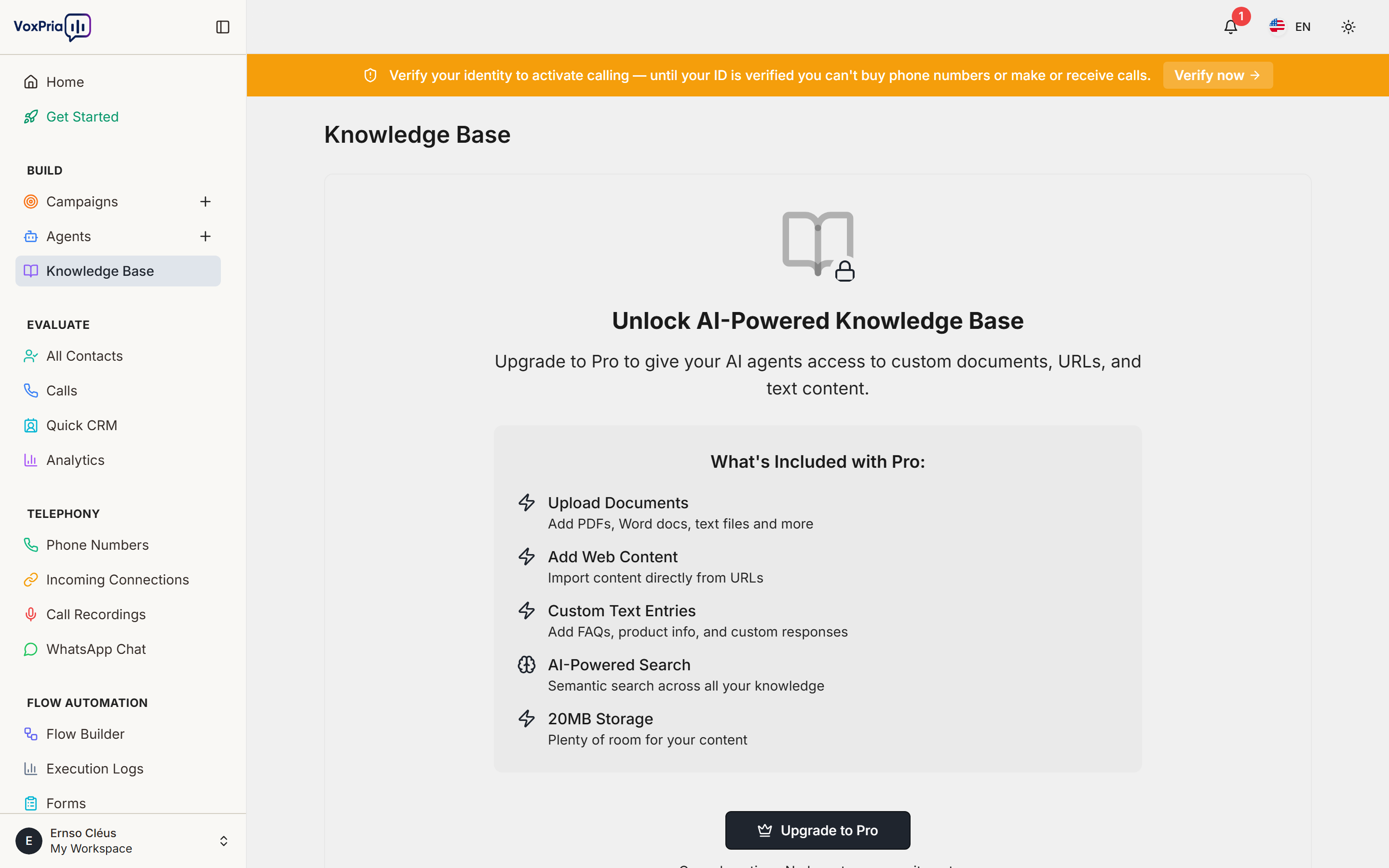
Upload documents that contain information your agent needs. Furthermore, this is the most powerful training method:
What to Upload: #
- FAQs – Common questions and answers
- Product Documentation – Specifications and details
- Company Policies – Procedures and guidelines
- Service Information – Hours, locations, offerings
- Troubleshooting Guides – Common problems and solutions
Supported File Types: #
- PDF documents
- Word documents (.docx)
- Text files (.txt)
- Markdown files (.md)
- Web pages (paste URL)
How to Upload: #
- Click “Upload Knowledge Base”
- Drag files or click to browse
- Select multiple files at once
- Wait for processing (usually seconds)
- Review extracted content
- Click “Apply Training”
💡 Pro Tip: Upload files in order of importance. Moreover, prioritize FAQs and common questions first.
Training Method 2: Intent Training #
Teach your agent to recognize different types of requests. Additionally, this helps agents understand customer goals:
Common Intents to Train: #
- Affirmative – Yes, confirm, agree, correct
- Negative – No, decline, disagree, cancel
- Reschedule – Change appointment, pick different time
- Question – Asking for more information
- Complaint – Expressing dissatisfaction
- Transfer Request – Want to speak with person
How to Train Intents: #
- Click “Intent Training”
- Select an intent type
- Add example phrases people might say
- Add 10-20 variations per intent
- Include common typos and misspellings (for SMS)
- Click “Save Intent”
Example Affirmative Intent Training:
- “Yes”
- “Yeah”
- “Yep”
- “Sure”
- “That’s correct”
- “Sounds good”
- “Confirmed”
- “I can make it”
Training Method 3: Example Conversations #
Provide sample dialogues showing ideal conversations. Furthermore, this teaches agents conversational flow:
- Click “Example Conversations”
- Click “Add New Example”
- Write out a complete conversation:
- Agent says: “…”
- Customer says: “…”
- Agent responds: “…”
- Add 5-10 different conversation examples
- Cover different scenarios (happy path, objections, questions)
- Click “Save Examples”
Training Method 4: Response Templates #
Create pre-written responses for common scenarios. Moreover, this ensures consistency:
When to Use Templates: #
- Greetings – How agent introduces itself
- Confirmations – Acknowledging customer responses
- Clarifications – When agent doesn’t understand
- Closings – How agent ends conversations
- Transfers – What agent says before handoff
Testing Training Effectiveness #
After training, always test your agent. Additionally, testing reveals if training worked:
- Click “Test Agent”
- Try different ways of asking same questions
- Use industry jargon and slang
- Ask follow-up questions
- Try to confuse the agent
- Note any misunderstandings
- Add more training for problem areas
Continuous Improvement #
Training isn’t a one-time task. Moreover, agents improve with ongoing training:
Regular Training Tasks: #
- Review Call Recordings – Listen to actual conversations
- Identify Gaps – Find questions agent couldn’t answer
- Add New FAQs – Upload updated documentation
- Refine Intents – Add more example phrases
- Update Templates – Improve response quality
Recommended Schedule:
- Week 1: Daily training based on feedback
- Month 1: Weekly training sessions
- Ongoing: Monthly reviews and updates
Best Practices #
- ✅ Start Comprehensive – Upload all available documentation initially
- ✅ Use Real Data – Train with actual customer questions
- ✅ Keep It Current – Update training when information changes
- ✅ Test Thoroughly – Try to break your agent before customers do
- ✅ Monitor Performance – Track success rates and adjust training
- ✅ Document Everything – Keep notes on training decisions
Learn more about natural language understanding in AI systems.
Related Articles:


