
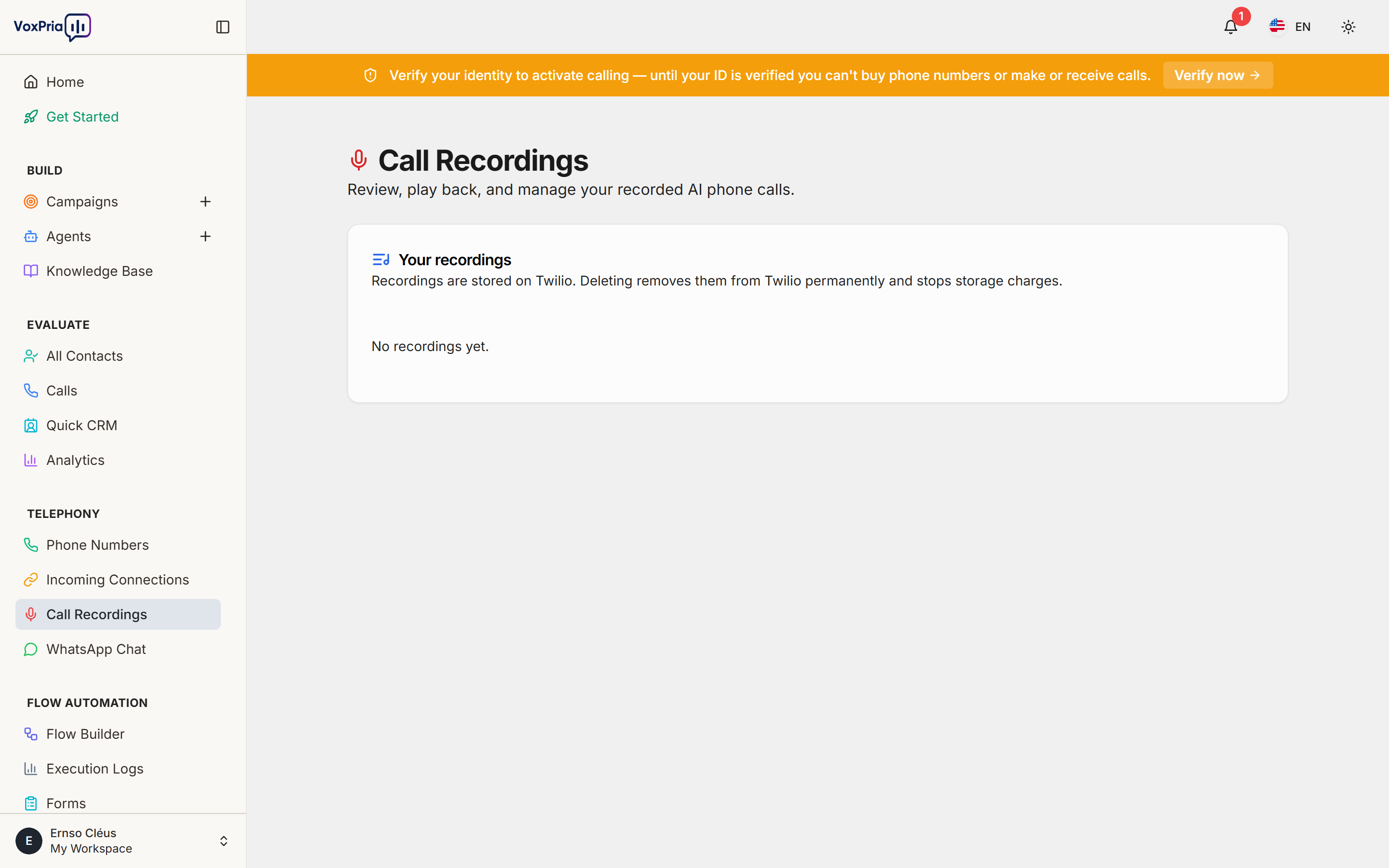
The Call Recordings page collects the audio of your calls in one place, so you can review conversations, verify outcomes, and improve your agents.
Review a recording #
- Open Call Recordings under Telephony.
- Find the call you want and press play to listen.
- Open the call to see the recording alongside its transcript and details.
Storage & retention #
Recordings count toward your storage plan. Older files may be removed automatically based on your retention policy — check the Storage section of Billing for your limits.
💡 Tip: Recording availability depends on your plan settings and whether recording is enabled for your account.


