
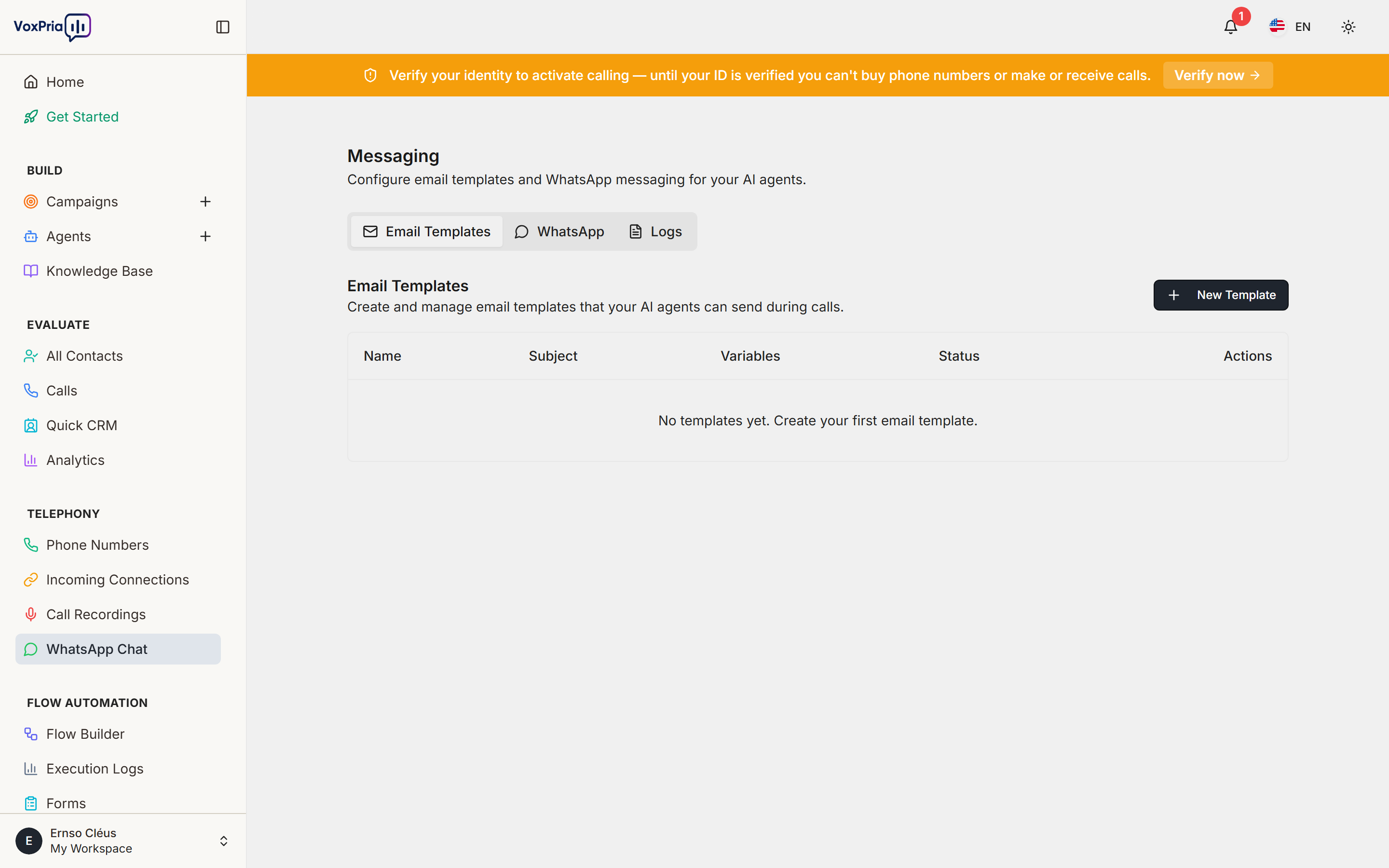
WhatsApp Chat lets you reach and reply to contacts on WhatsApp from inside VoxPria, so voice and messaging live in one place.
Set it up #
- Connect your WhatsApp Business integration in the WhatsApp/Messaging settings.
- Open WhatsApp Chat from the Telephony section.
- View incoming conversations and reply directly from the chat panel.
Use it with campaigns #
Combine WhatsApp follow-ups with your voice campaigns for multi-channel outreach — for example, a reminder call followed by a WhatsApp confirmation.
💡 Tip: WhatsApp availability depends on your plan and provider configuration. If the option isn’t visible, contact your administrator.


