
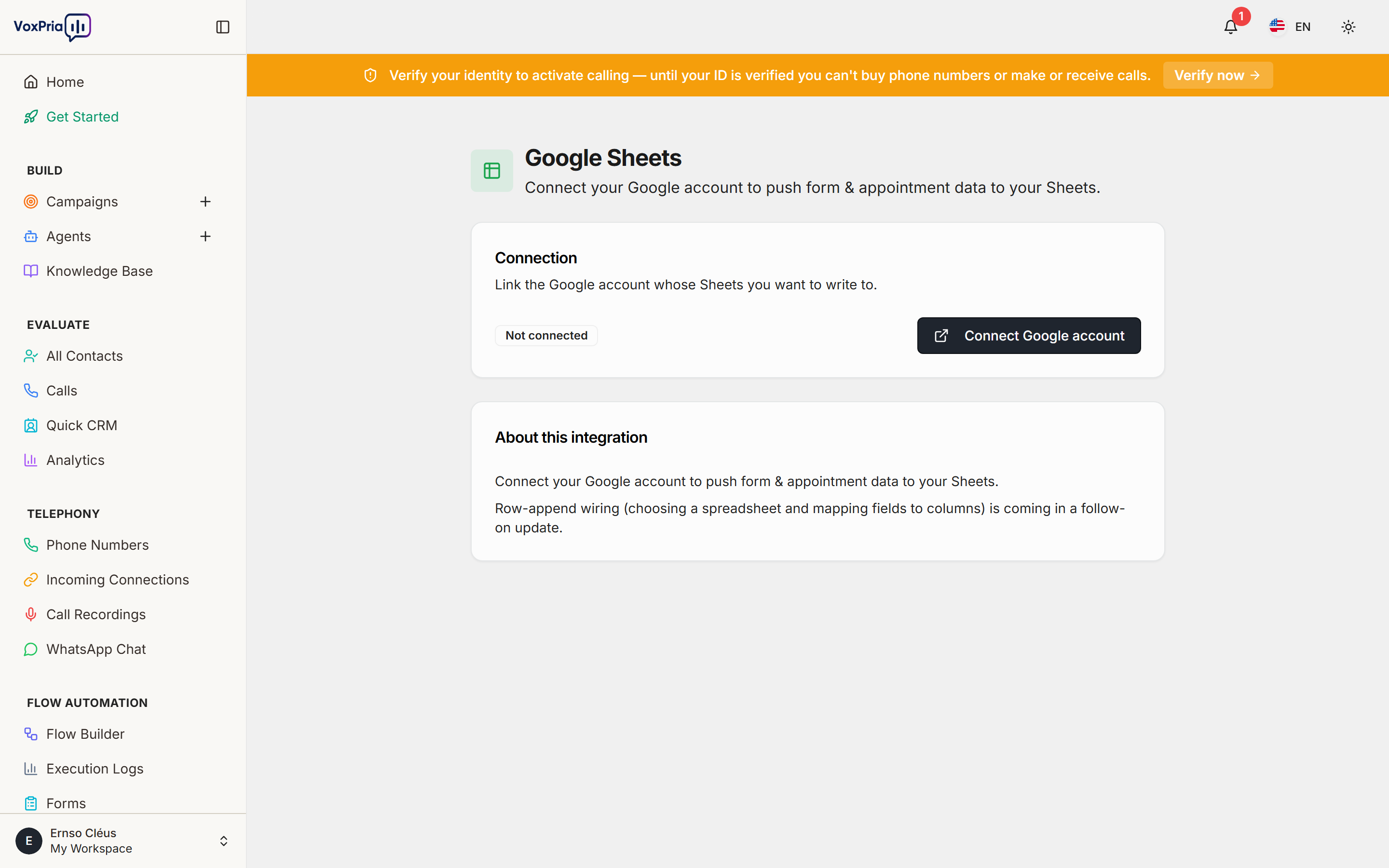
The Google Sheets integration automatically appends rows to a spreadsheet you choose — call results, captured fields, appointments, or form submissions — so your team always has an up-to-date, shareable record.
Connect your Google account #
- Open Tools → Google Sheets.
- Click Connect and authorize your Google account.
- Pick the destination spreadsheet and the worksheet tab.
Choose what writes to it #
- Open the flow, form, or appointment step you want to record.
- Select your connected sheet as the destination.
- Save — VoxPria adds a header row automatically, then appends a new row for each event.
💡 Tip: Google Sheets is the fastest way to share results with teammates who don’t log in to VoxPria.


