
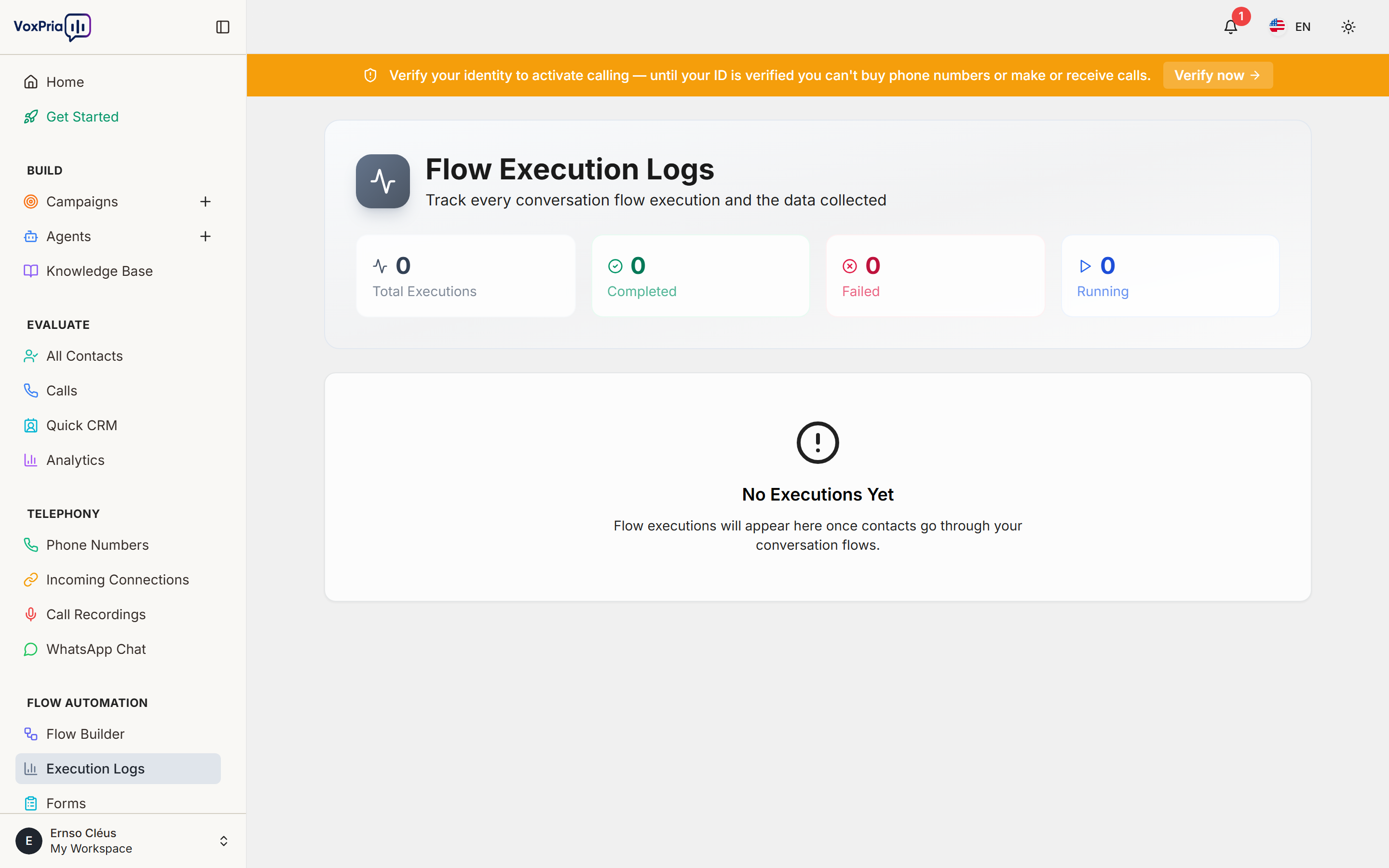
Execution Logs show a step-by-step record of every flow run. When a call flow or automation runs, open its log to see which steps executed, what data passed through, and where anything failed — essential for debugging.
Read a run #
- Open Execution Logs under Flow Automation.
- Select a run to expand its timeline of steps and outcomes.
- Check that webhooks fired, forms saved, and the flow took the expected branch.
💡 Tip: If an automation isn’t behaving as expected, the Execution Logs are the first place to look.


