
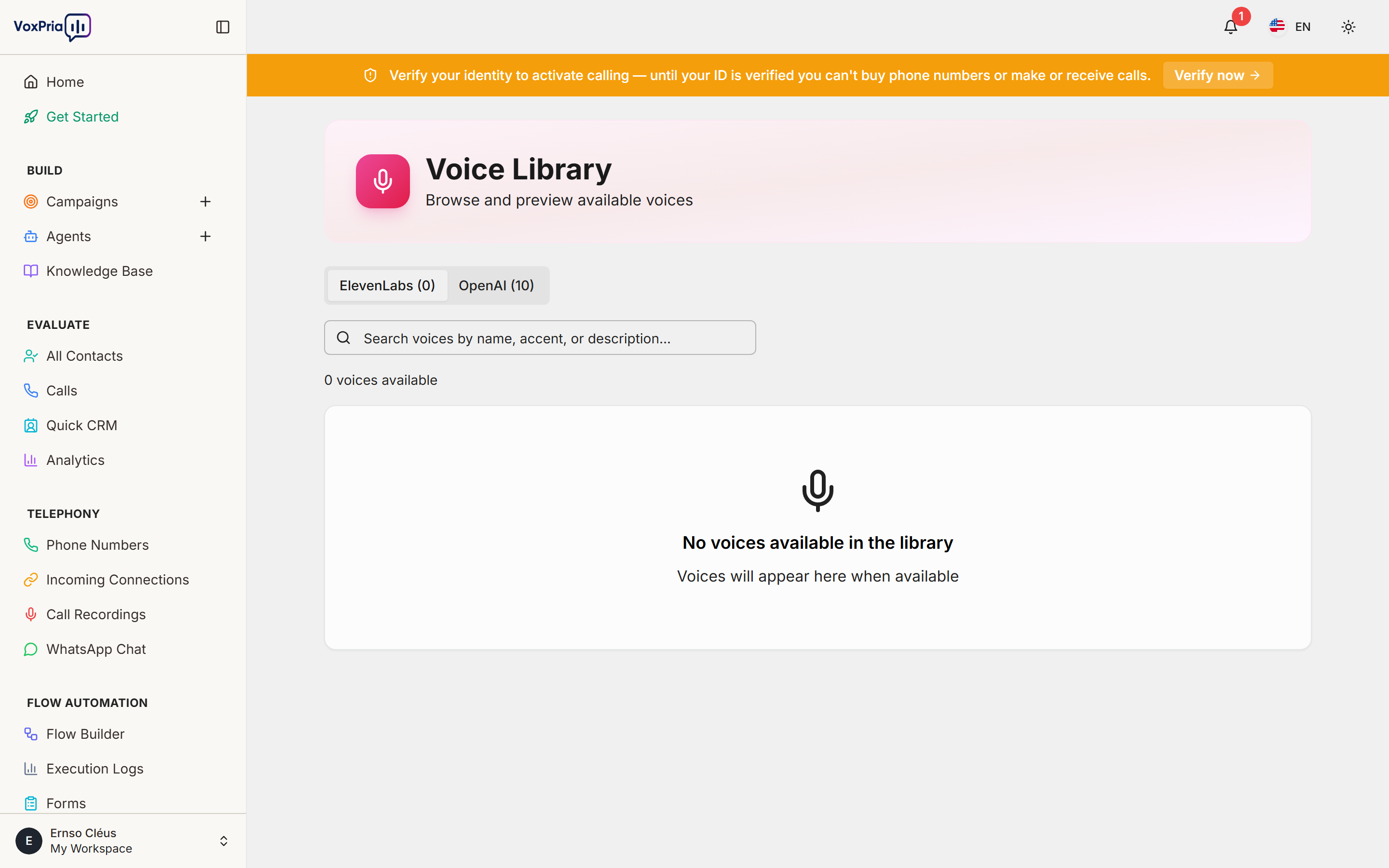
The Voice Library is where you browse, preview, and choose the voice your AI agents speak with. VoxPria offers premium ElevenLabs voices (30+ languages, highly natural) and low-latency OpenAI Realtime voices.
Open the Voice Library #
- In the sidebar, go to Agents.
- Click the Voices tab at the top of the page.
Preview a voice #
- Use the ElevenLabs and OpenAI tabs to switch between voice providers.
- Type in the search box to filter by name, accent, or description.
- Click the play button on a voice card to hear a short sample.
Use a voice for an agent #
You do not assign voices from this page — you pick one while creating or editing an agent. When you build an agent, open the Voice & Language section and choose any voice from the library. You can change it later at any time.
💡 Tip: Match the voice language and accent to your audience for the most natural-sounding calls.


