
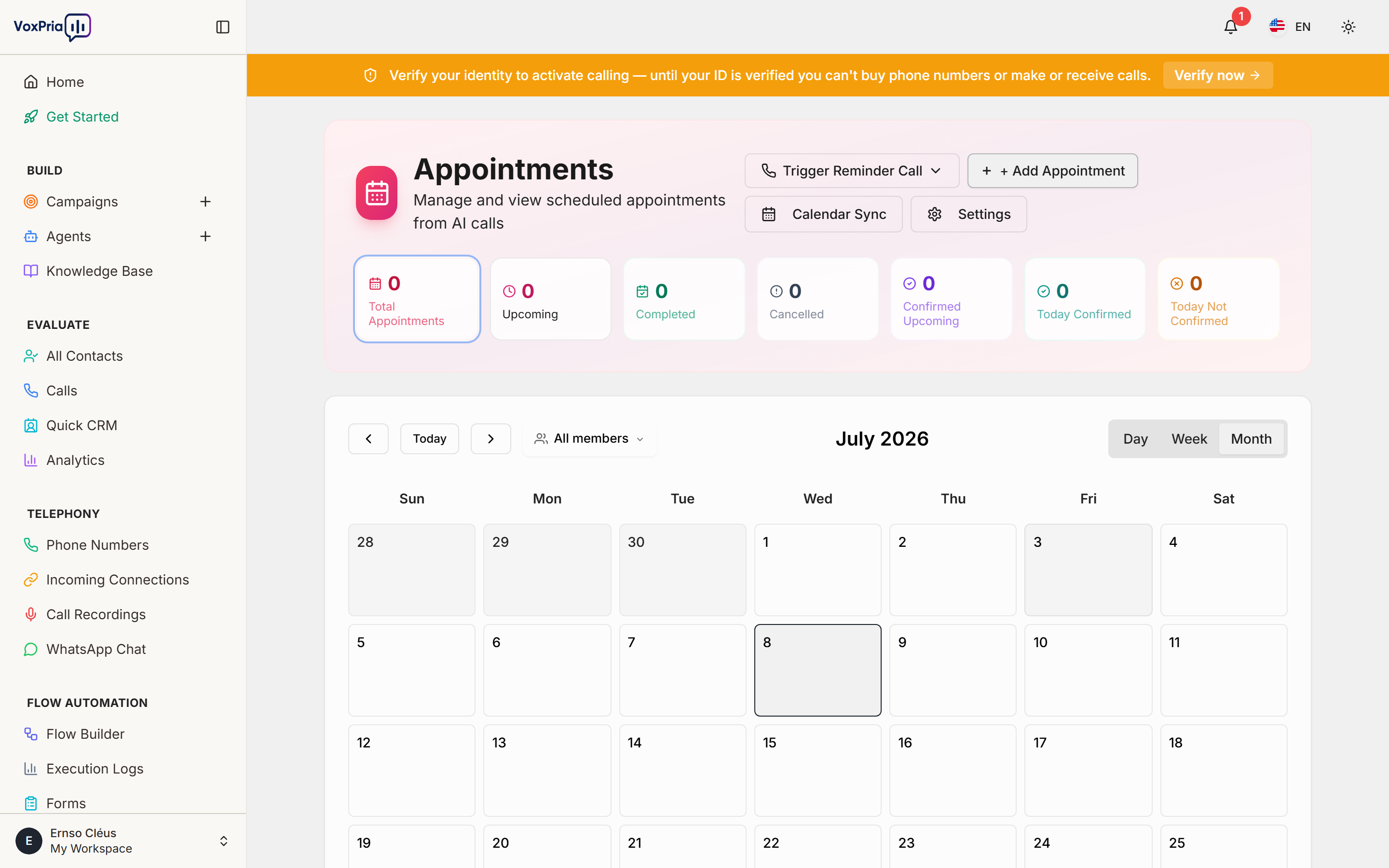
The Appointments feature lets your AI agents schedule bookings during a conversation and keeps them organized in one calendar view — ideal for reminders, rescheduling, and self-service booking.
Enable booking in a flow #
- Open Flow Builder and edit (or create) a call flow.
- Add an appointment step where the agent should offer times.
- Set the available days, hours, and slot length.
- Save and publish the flow.
Manage bookings #
- Open Appointments under Flow Automation.
- Review confirmed bookings in the calendar/list view.
- (Optional) Connect Google Calendar so bookings stay in sync.
💡 Tip: Pair appointments with a follow-up voice or WhatsApp reminder to cut down on no-shows.


