
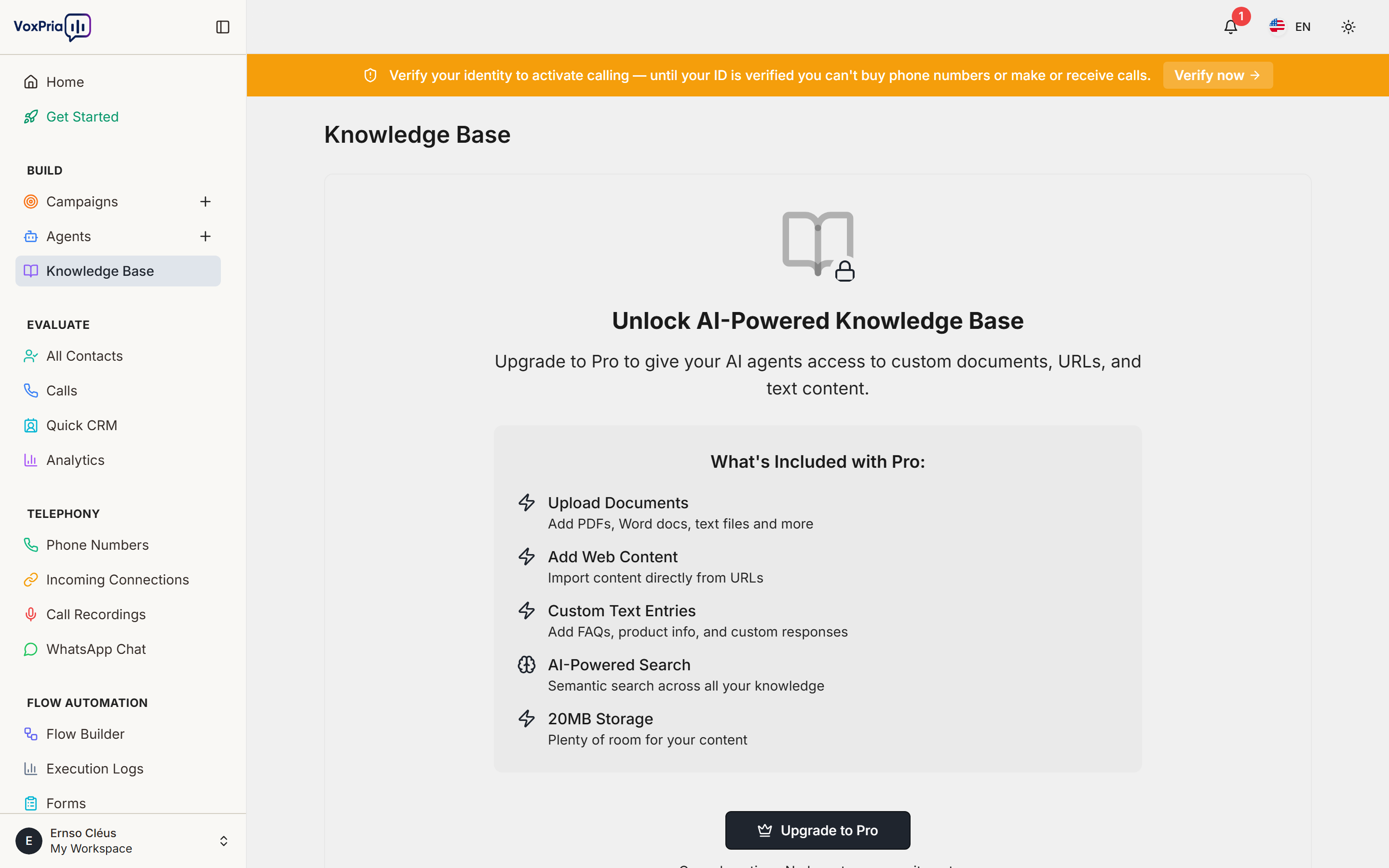
A Knowledge Base gives your agents your own information to draw on. Upload documents and VoxPria indexes them so an agent can answer caller questions accurately (retrieval-augmented generation, or RAG).
Create a knowledge base #
- Open Knowledge Base from the sidebar.
- Click Create Knowledge Base and give it a name.
- Upload your documents (FAQs, product sheets, policies).
- Wait for processing to finish — VoxPria indexes the content automatically.
Attach it to an agent #
- Create or edit an agent.
- In the agent settings, select your knowledge base.
- Save — the agent can now answer from those documents.
Best practices #
- Use clean, well-structured files with clear headings and short paragraphs.
- Keep content current; remove outdated files so agents don’t quote them.
- Attach only the relevant knowledge base to each agent to keep answers focused.
💡 Tip: A good knowledge base dramatically reduces "I don’t know" answers and keeps your agent on-brand.


