
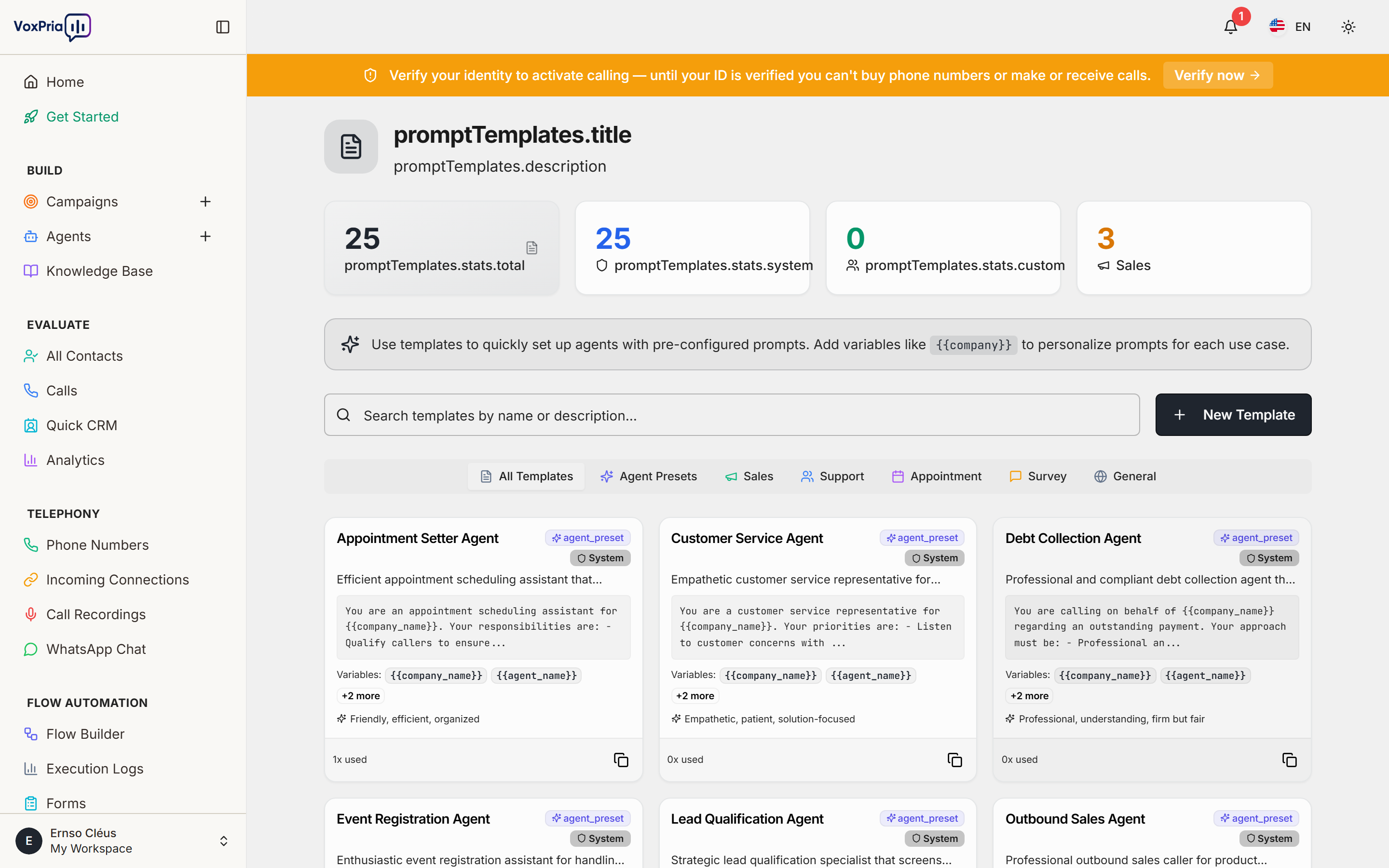
Prompt Templates save the instructions that shape how an agent behaves — its role, tone, and conversation goals — so you can reuse them instead of writing prompts from scratch.
Browse templates #
- Go to Agents → Prompt Templates.
- Browse the built-in templates and any you have saved.
- Click a template to preview its full prompt.
Apply a template to an agent #
- Create a new agent (or edit an existing one).
- In the prompt/instructions step, choose Use a template.
- Select your template — its text pre-fills the agent’s system prompt.
- Customize the wording for your business, then save.
Save your own template #
Write a clear role (e.g. “You are a friendly appointment-reminder assistant for a dental clinic”), describe the call’s goal and how to handle common replies, then save it as a template so your whole team can reuse it.
💡 Tip: Be specific: tell the agent what to do and what to avoid for the most reliable results.


