
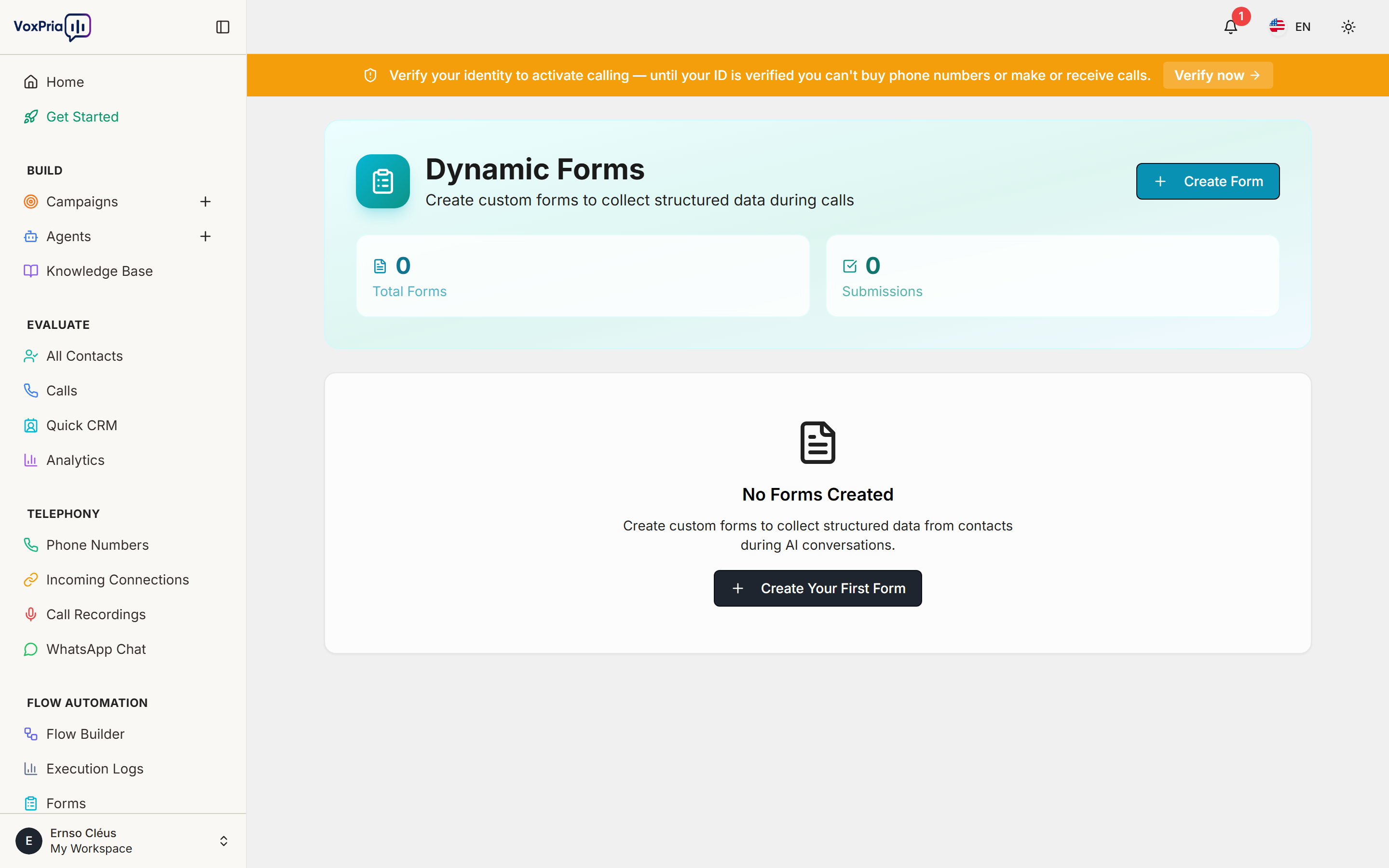
Forms collect structured information with a drag-and-drop builder. Share a form as a public link, embed it on your site, or have an AI agent fill it during a call so every conversation ends with clean data.
Build a form #
- Open Forms under Flow Automation.
- Start from a template or a blank form.
- Add fields (text, choice, date, and more) and arrange them by dragging.
- Open Settings to add notifications, a webhook, or a Google Sheet destination.
- Click Publish and copy the public share link (or the embed code).
Where submissions go #
Every submission is stored in VoxPria and shown under the form’s results. It can also trigger a webhook or append a row to a Google Sheet automatically, so your team is notified instantly.
💡 Tip: Add a form step to the end of a call flow to capture the caller’s details, appointment choice, or survey answers.


