
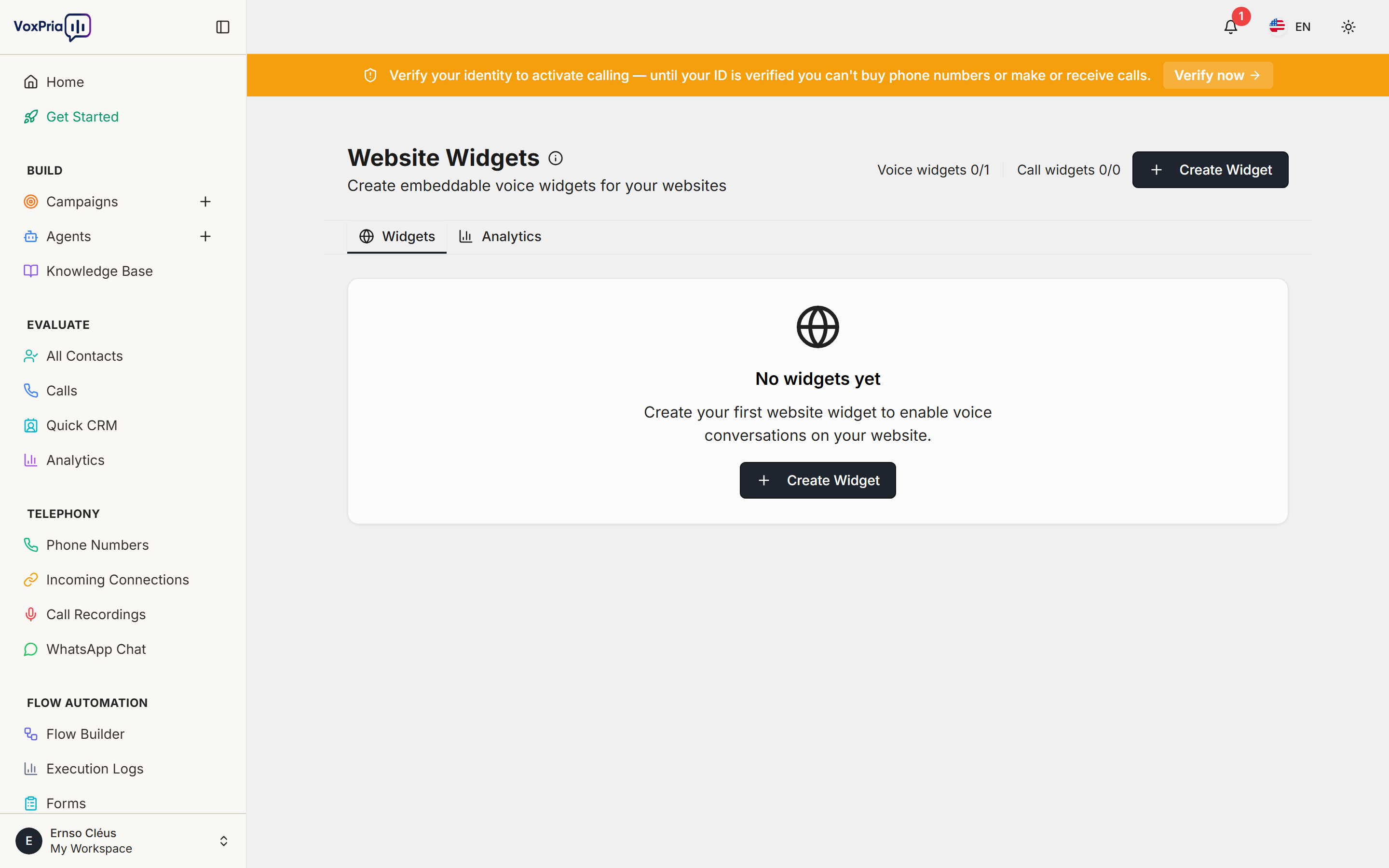
Call Widgets let website visitors request a callback from your AI agent. When a visitor enters their number, VoxPria calls them back automatically using your chosen agent and caller ID.
Create and install a widget #
- Open Tools → Widgets and click New Widget.
- Choose the agent and caller ID that will handle callbacks.
- Customize the widget’s text and appearance.
- Copy the embed snippet and paste it into your website’s HTML.
💡 Tip: Call widgets turn website traffic into live conversations — great for landing pages and contact pages.


