
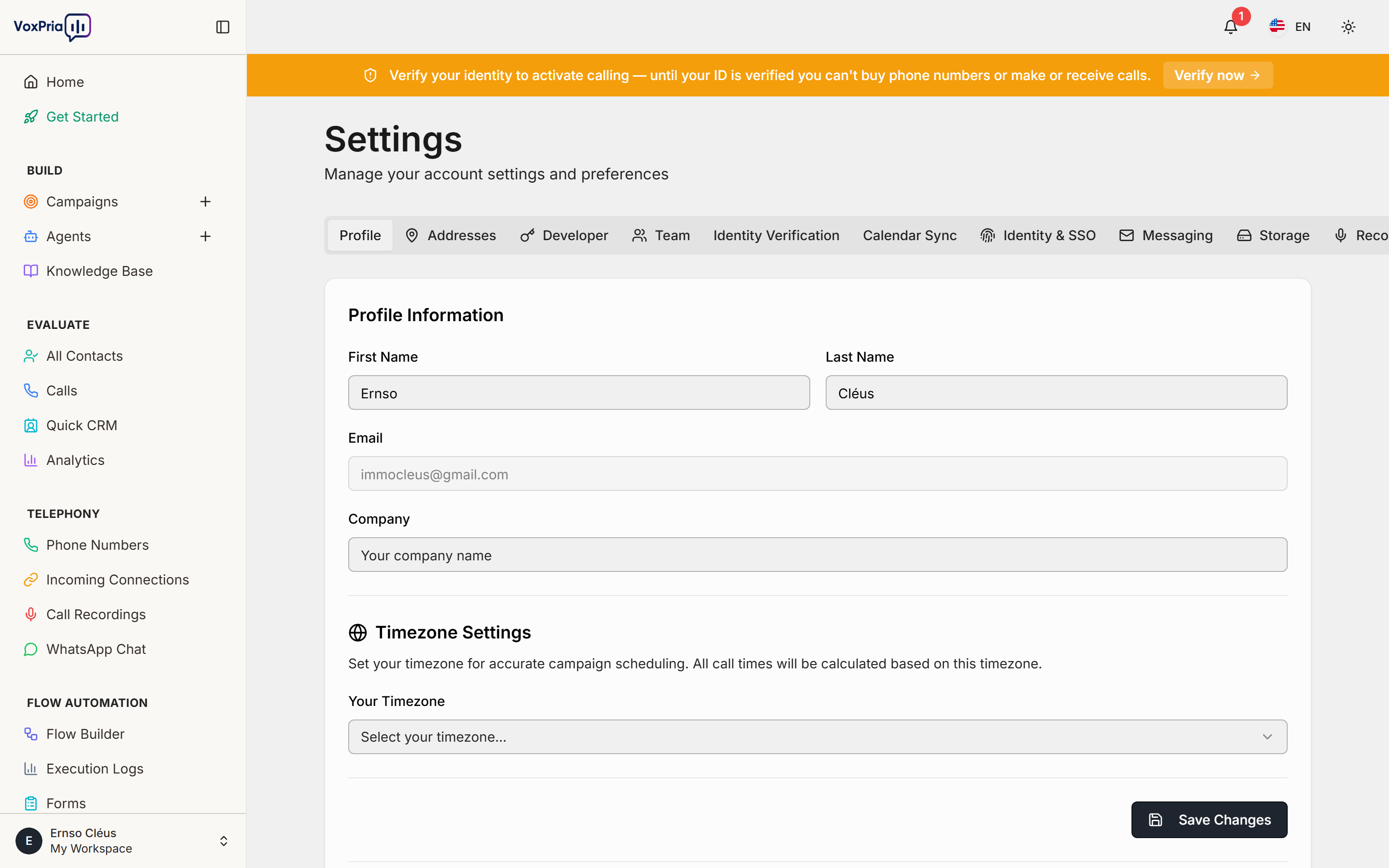
The Settings area is where you manage your account. Open it from the Settings link in the sidebar; use the tabs across the top to move between sections.
What you’ll find #
- Profile — your name, email, company, and timezone.
- Developer — API keys and developer options.
- Team — invite teammates and manage their access.
- Identity Verification — complete the ID check required before buying numbers or calling.
- Calendar Sync & Messaging — connect Google Calendar and messaging channels.
- Identity & SSO and Storage — single sign-on and recording-storage options.
💡 Tip: Complete Identity Verification early — calling and number purchases stay locked until it’s done.


