
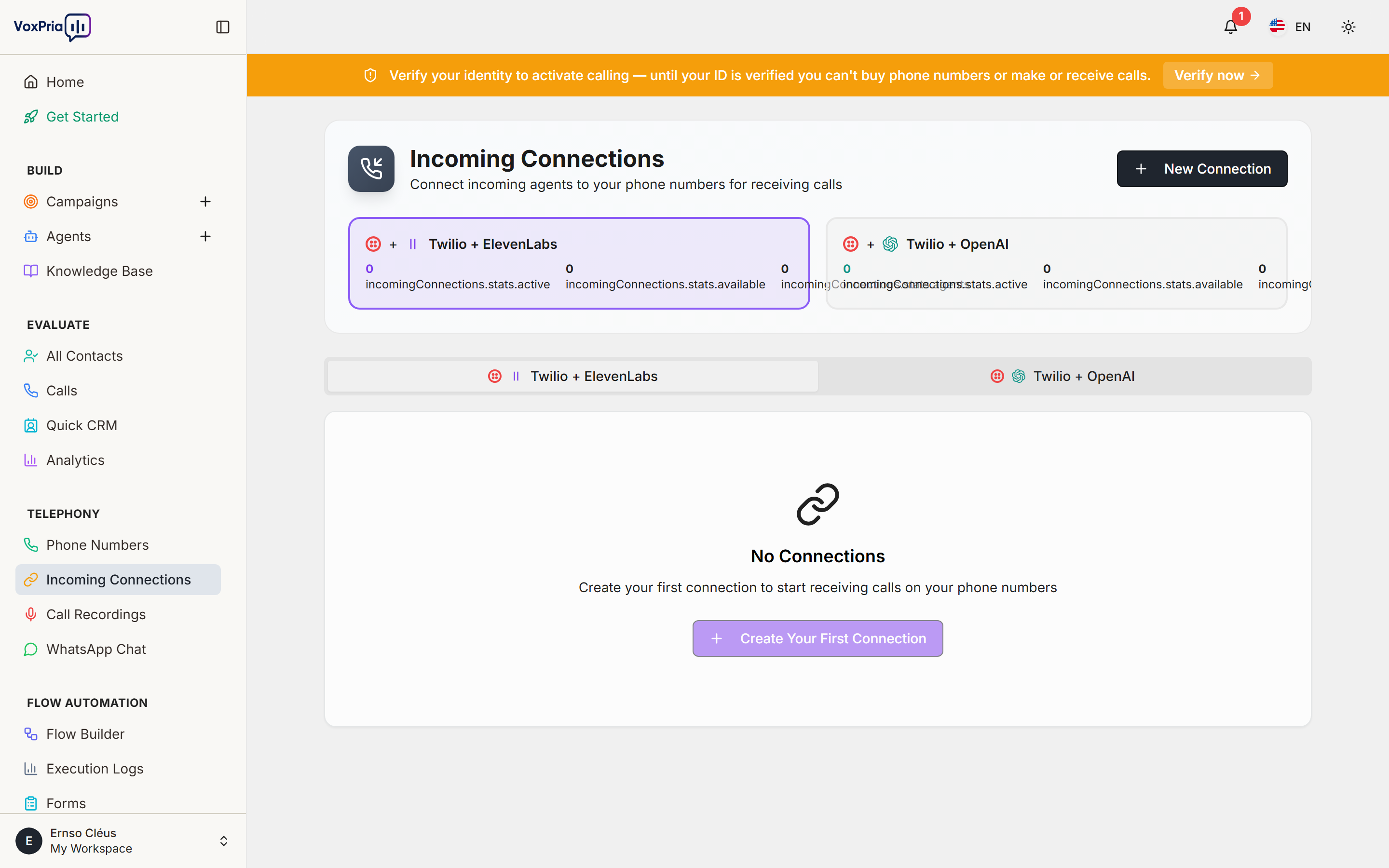
Incoming Connections decide what happens when someone calls one of your phone numbers. You map each number to an incoming agent so callers are answered automatically.
Before you begin #
- Verify your identity (Settings → Identity Verification) — required before you can buy numbers or receive calls.
- Have at least one phone number and one Incoming-type agent ready.
Route a number to an agent #
- Create an Incoming agent with the greeting and behavior you want.
- Open Incoming Connections under Telephony.
- Choose a phone number and link it to that agent.
- Save, then call the number to test — your agent answers and handles the conversation.
💡 Tip: Route different numbers to different agents — e.g. a sales line and a support line, each with its own personality and knowledge base.


